
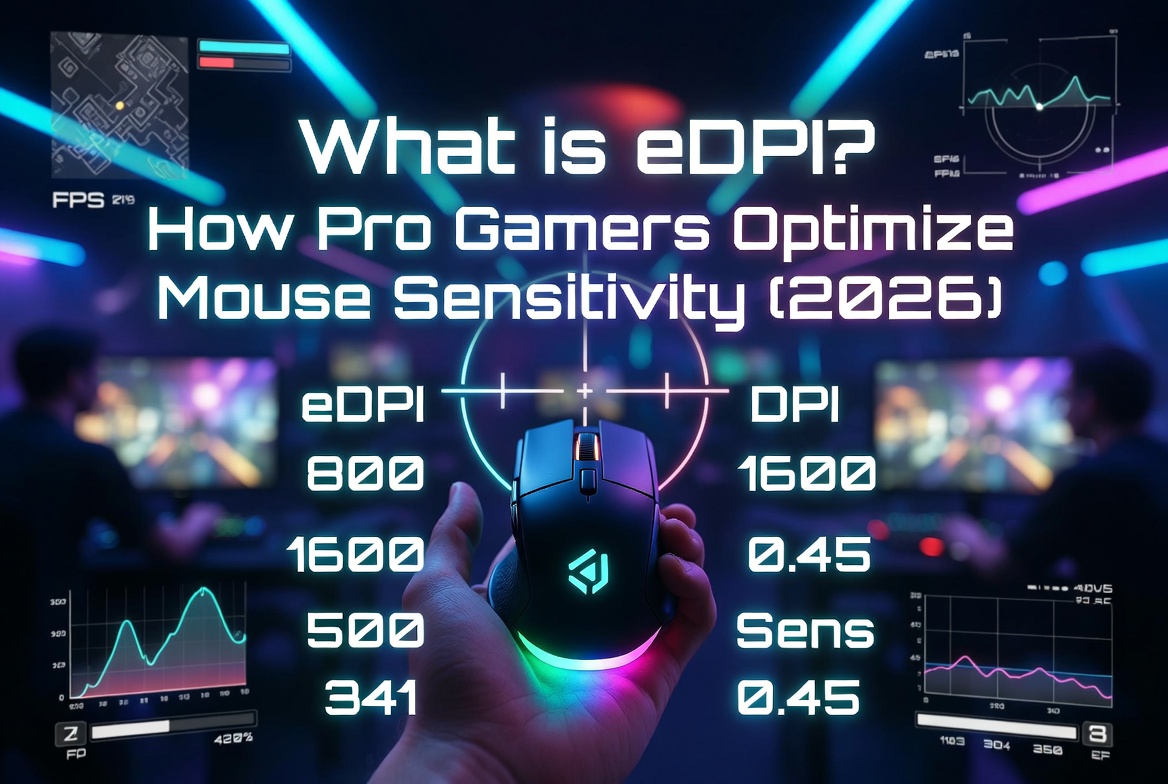
What is eDPI? How Pro Gamers Optimize Mouse Sensitivity (2026)
📋 In This Guide:
eDPI (Effective Dots Per Inch) combines your mouse DPI and in-game sensitivity into one number. Formula: eDPI = Mouse DPI × In-Game Sensitivity. Pro gamers use eDPI to compare settings across different setups and games. Use our free eDPI Calculator to find yours instantly.
You just watched a pro player hit an impossible flick shot and wondered: "What mouse sensitivity do they use?" The answer isn't just their DPI or just their in-game sensitivity — it's their eDPI. This single number is the universal language of mouse sensitivity in competitive gaming. Every esports coach, analyst, and pro player uses eDPI to dial in their perfect settings.
In this comprehensive guide, you'll learn exactly what eDPI is, how to calculate yours, what the pros use across every major game, and how to find the sensitivity that maximizes your aim potential.
Why eDPI Matters for Gaming
Imagine two players with identical aim. One uses 800 DPI + 1.5 sensitivity. The other uses 1600 DPI + 0.75 sensitivity. Who has the "faster" mouse? Neither — they have identical eDPI of 1200.
This is why eDPI is critical:
- Hardware Independent: Change your mouse without changing your muscle memory — just adjust DPI and sensitivity to match eDPI
- Cross-Game Consistency: Use the same effective sensitivity across CS2, Valorant, Apex, and every other game
- Pro Comparison: See exactly how your sensitivity compares to professional players
- Scientific Optimization: Test incremental changes to find your mathematically optimal setting
🎯 Key Insight: Professional teams employ analysts who track every player's eDPI across seasons, maps, and performance metrics. Small sensitivity adjustments (5-10% changes) can measurably impact accuracy statistics.
How to Calculate Your eDPI
The formula couldn't be simpler:
Example: If your mouse is set to 800 DPI and your in-game sensitivity is 2.0, your eDPI = 800 × 2.0 = 1600.
Need to find your DPI? Check your mouse software (Logitech G Hub, Razer Synapse, Corsair iCUE). Most gaming mice display current DPI via an LED indicator.
Pro Player eDPI Ranges — Game by Game
Different games demand different sensitivity ranges. Here's what the pros use across every major competitive title:
| Game | Typical Pro eDPI | Average | Example Pro | Style |
|---|---|---|---|---|
| CS2 / CS:GO | 600–1200 | ~880 | s1mple: 1236 | Low sens, precision aim |
| Valorant | 200–400 | ~280 | TenZ: 352 | Very low sens, tactical |
| Fortnite | 40–120 | ~72 | Bugha: 72 | Mixed, building needs speed |
| Overwatch 2 | 3000–6000 | ~4800 | Striker: 4800 | High sens, fast tracking |
| Apex Legends | 800–2000 | ~1400 | ImperialHal: 1200 | Medium, tracking-heavy |
| Warzone | 2000–5000 | ~3500 | Swagg: 3600 | Higher, fast-paced BR |
| Rainbow Six Siege | 3000–8000 | ~5000 | Beaulo: 4400 | Medium-high, flick-heavy |
Understanding cm/360° — The Real Measure of Sensitivity
While eDPI is useful, the true universal measure of sensitivity is cm/360° — how many centimeters you physically move your mouse to complete a full 360-degree turn in-game. This measurement works across all games, all setups, all hardware.
| cm/360° Range | Sensitivity Level | Mouse Grip | Best For |
|---|---|---|---|
| 15–25 cm | High | Wrist aiming | Fast-paced tracking (Overwatch, Apex) |
| 25–35 cm | Medium | Hybrid wrist/arm | Balanced all-rounders |
| 35–50 cm | Low | Arm aiming | Tactical shooters (CS2, Valorant) |
| 50+ cm | Very Low | Full arm + large pad | Snipers, extreme precision |
Most professional FPS players use 25-45 cm/360° — enough room for precise micro-adjustments while still being able to flick to targets quickly.
How to Find Your Perfect eDPI — Step-by-Step
- Start with the pro average for your game. Use our eDPI Calculator to set the average pro eDPI for your main game.
- Test in practice range. Spend 30 minutes in an aim trainer (Aim Lab, Kovaak's) or in-game practice mode. Track your accuracy.
- Adjust by 10% increments. If consistently over-flicking (shooting past targets), lower eDPI by 10%. If under-flicking, increase by 10%.
- Test in real matches. Practice range performance ≠ real game performance. Play 3-5 matches before finalizing changes.
- Stick with it for 2 weeks. Muscle memory takes time. Don't change sensitivity every day — give your brain time to adapt.
- Save your settings. Once you find your perfect eDPI, write it down or save it in your mouse software profile.
Common Sensitivity Mistakes to Avoid
- ❌ Copying a pro's settings exactly: s1mple's eDPI works for s1mple. Your hand size, grip style, mousepad, and playstyle are different. Use pro settings as a starting point, not a destination.
- ❌ Changing sensitivity constantly: Switching eDPI every day destroys muscle memory. Find a range, commit, and give it at least 2 weeks.
- ❌ Using too high DPI: Above 3200 DPI, many sensors introduce smoothing or jitter. Most pros use 400, 800, or 1600 DPI — not higher.
- ❌ Ignoring mousepad size: If your cm/360° is 50cm but your mousepad is only 30cm wide, you literally can't complete a 180° turn without lifting. Match sensitivity to pad size.
- ❌ Windows mouse acceleration: Always disable "Enhance Pointer Precision" in Windows settings. This adds unpredictable acceleration that ruins consistency.
FAQs About eDPI & Mouse Sensitivity
Q: What's the difference between DPI and eDPI?
DPI is a hardware setting on your mouse. eDPI combines DPI with your in-game sensitivity. Two players with different DPI can have identical eDPI and identical mouse feel.
Q: What DPI should I use?
Most pros use 400, 800, or 1600 DPI. Modern gaming sensors perform well at any of these. Choose one that feels comfortable for desktop use, then adjust in-game sensitivity to reach your target eDPI.
Q: Is higher or lower eDPI better?
Neither — it depends on the game. Tactical shooters (CS2, Valorant) favor low eDPI for precision. Fast-paced games (Overwatch, Apex) favor higher eDPI for tracking and quick turns.
Q: Can I use the same eDPI for all games?
You can, but it's not always optimal. Match cm/360° across games for consistent muscle memory. Our eDPI Calculator shows cm/360° for any game.
Q: How do I convert sensitivity between games?
Use our eDPI Calculator: select your current game, note the cm/360°. Then select your target game and adjust sensitivity until cm/360° matches. This ensures identical mouse feel.
🏆 The Golden Rule of eDPI
Consistency beats optimization. A "perfect" eDPI you change weekly is worse than a "good enough" eDPI you've used for 6 months. Find your range, commit, and let muscle memory do the work.
🎯 Calculate Your eDPI Instantly!
Use our free eDPI Calculator to find your exact sensitivity, compare with pro players, and measure your cm/360° across all major games.
⚡ Calculate My eDPI Now →